Buying: quotes and orders
Ask for a quote (RFQ)
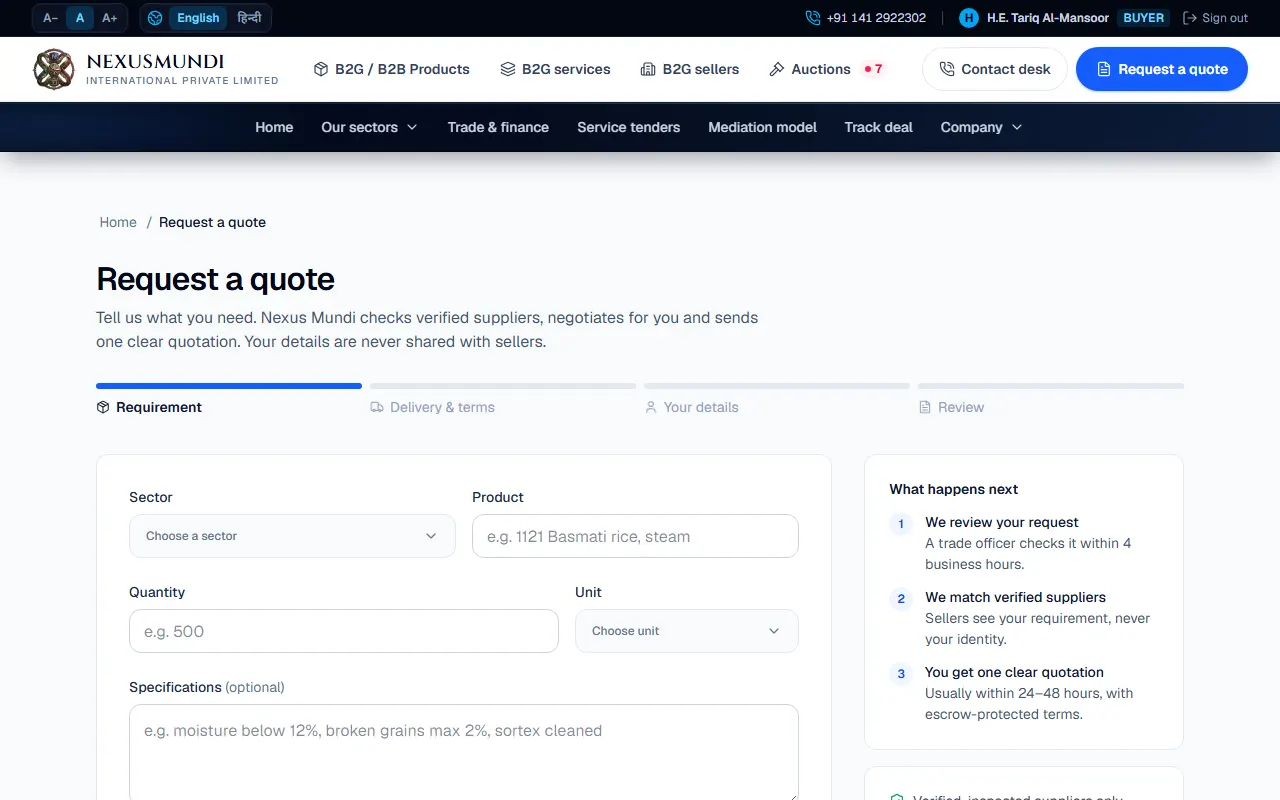
Send a request for quote in four short steps. The trade desk finds the right seller and sends you one quote.
Steps
Click Request a quote on a product (or in the top menu). Open it
Requirement: what you need, the quantity and unit.
Delivery & terms: destination port and country, Incoterm, target date, payment terms and (optional) a budget.
Your details: company and contact (filled in when you are signed in).
Review, then send. You get a reference code (for example RFQ-2026-0012).