Products and services
Add a product
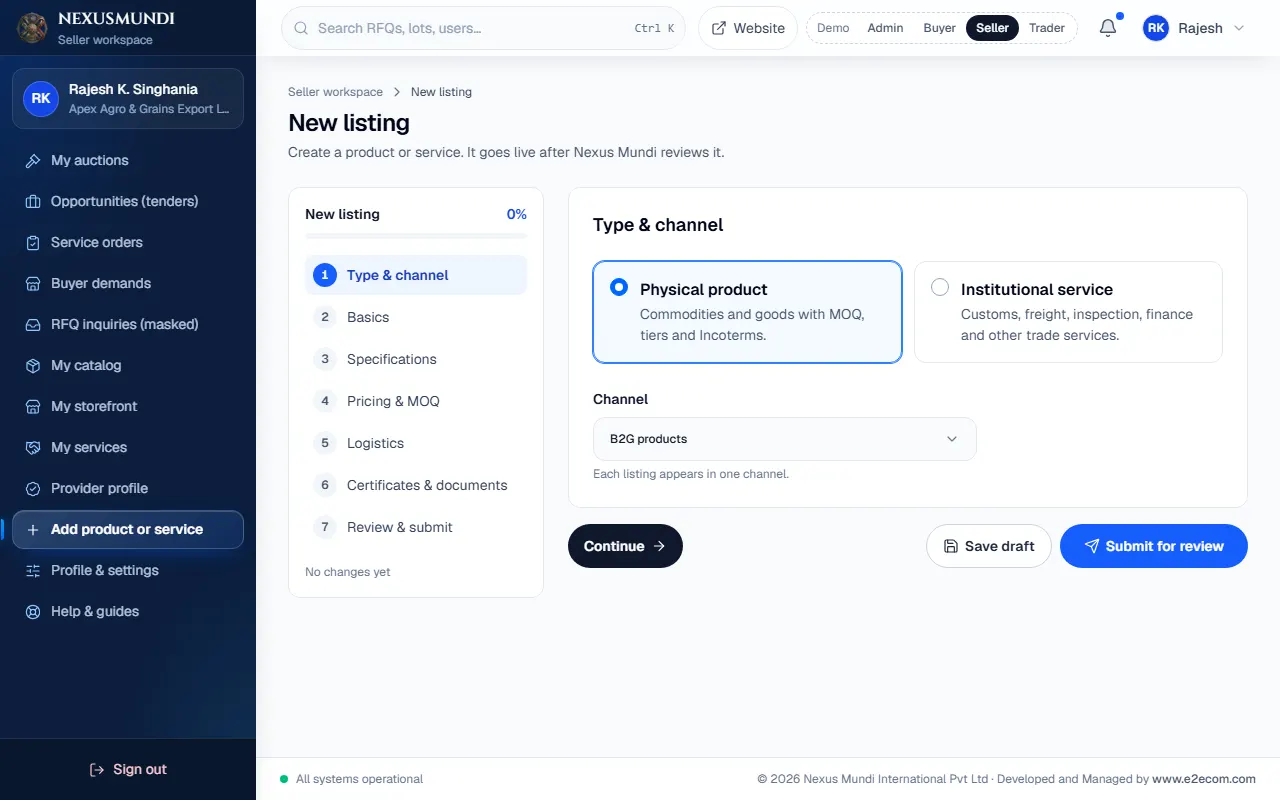
Use the guided form: sector template, specifications, pricing and MOQ, logistics, certificates, then submit for review.
Steps
Click Add product or service in the menu. Open it
Type & channel: choose Physical product and the channel, then Continue.
Basics: title, sector, description and photos. Choosing a sector fills a specification template for you.
Specifications: check and complete the values (protein, moisture, grade…).
Pricing & MOQ: unit, minimum order, price and optional volume tiers.
Logistics: origin, loading port and Incoterms.
Certificates & documents: certificates, lab reports, spec sheets.
Review & submit, then Submit for review. Or Save draft to finish later.